
Technical Readiness
Organizer checklist for interpreted meetings
Interpreted meetings succeed when sound, visibility, documents, channels, and speaker habits are planned before the event.
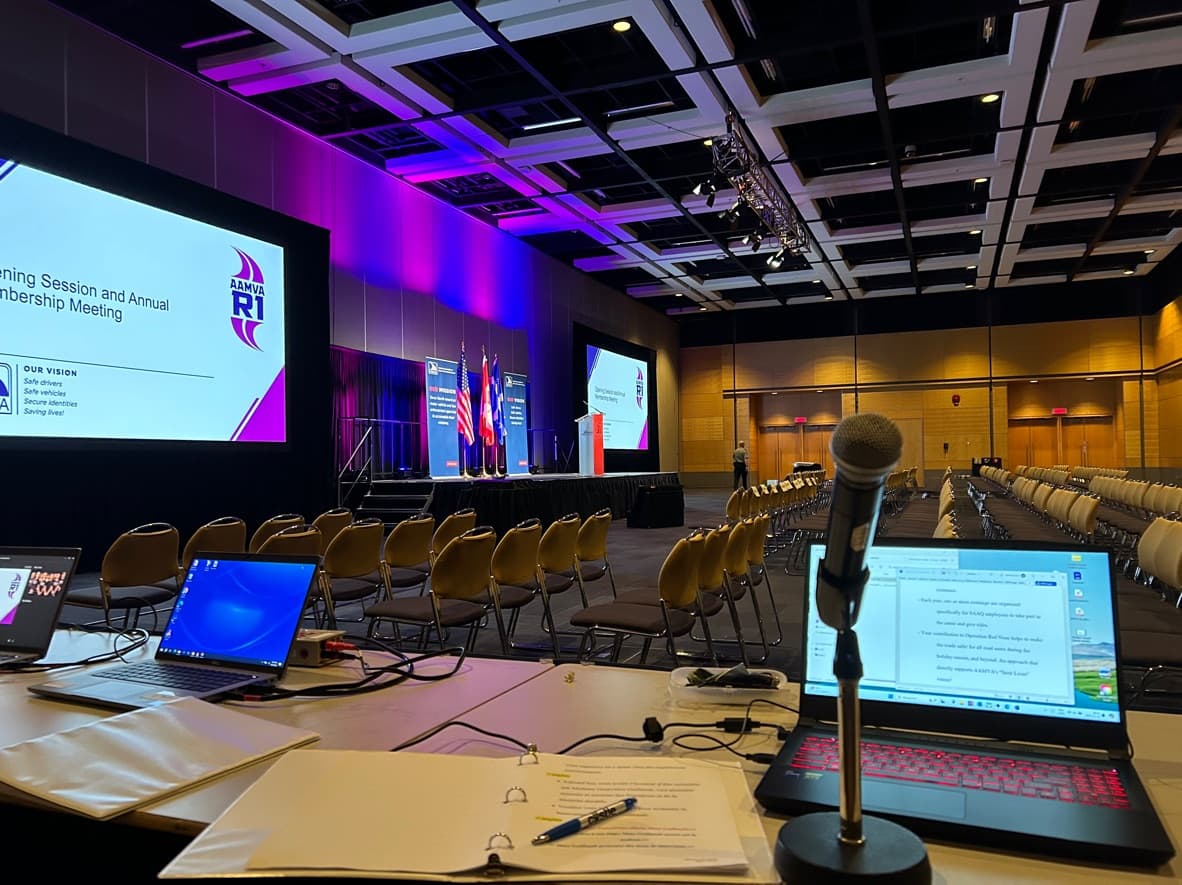
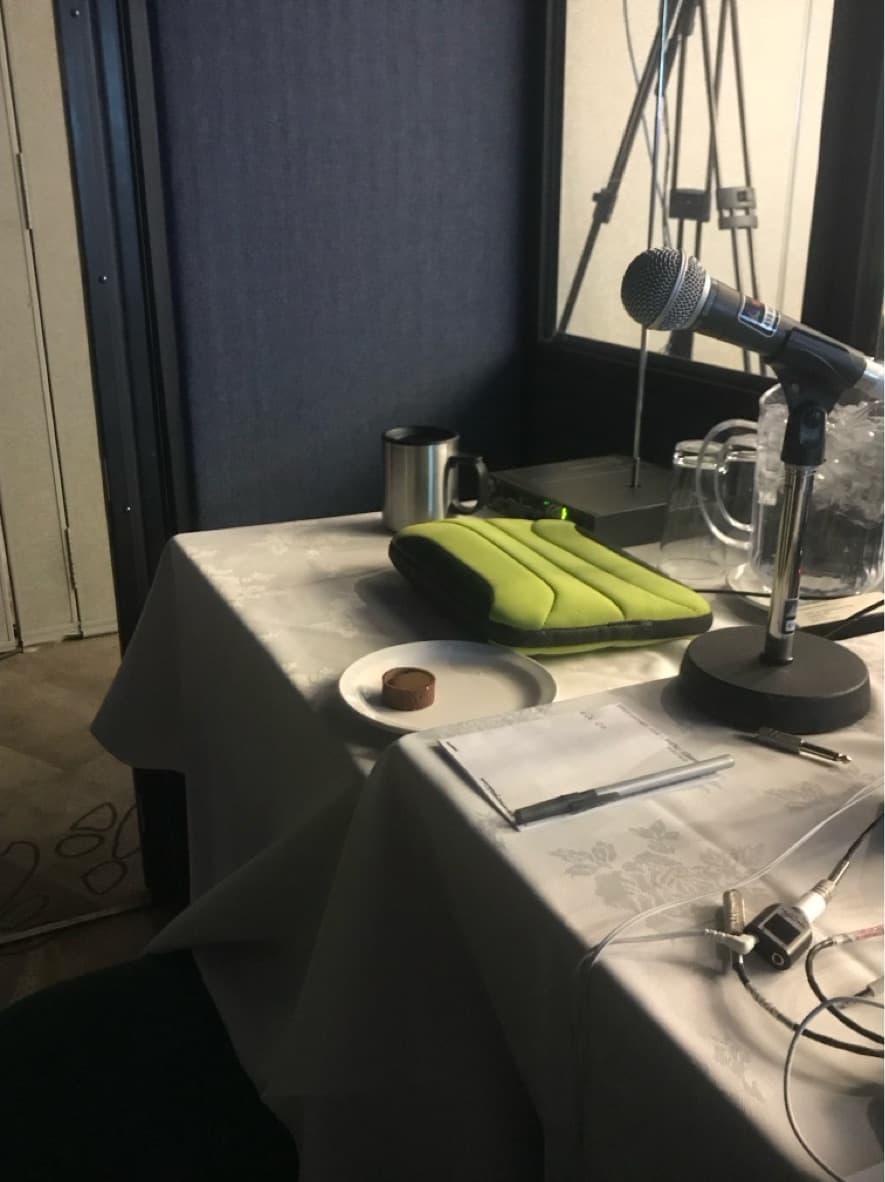
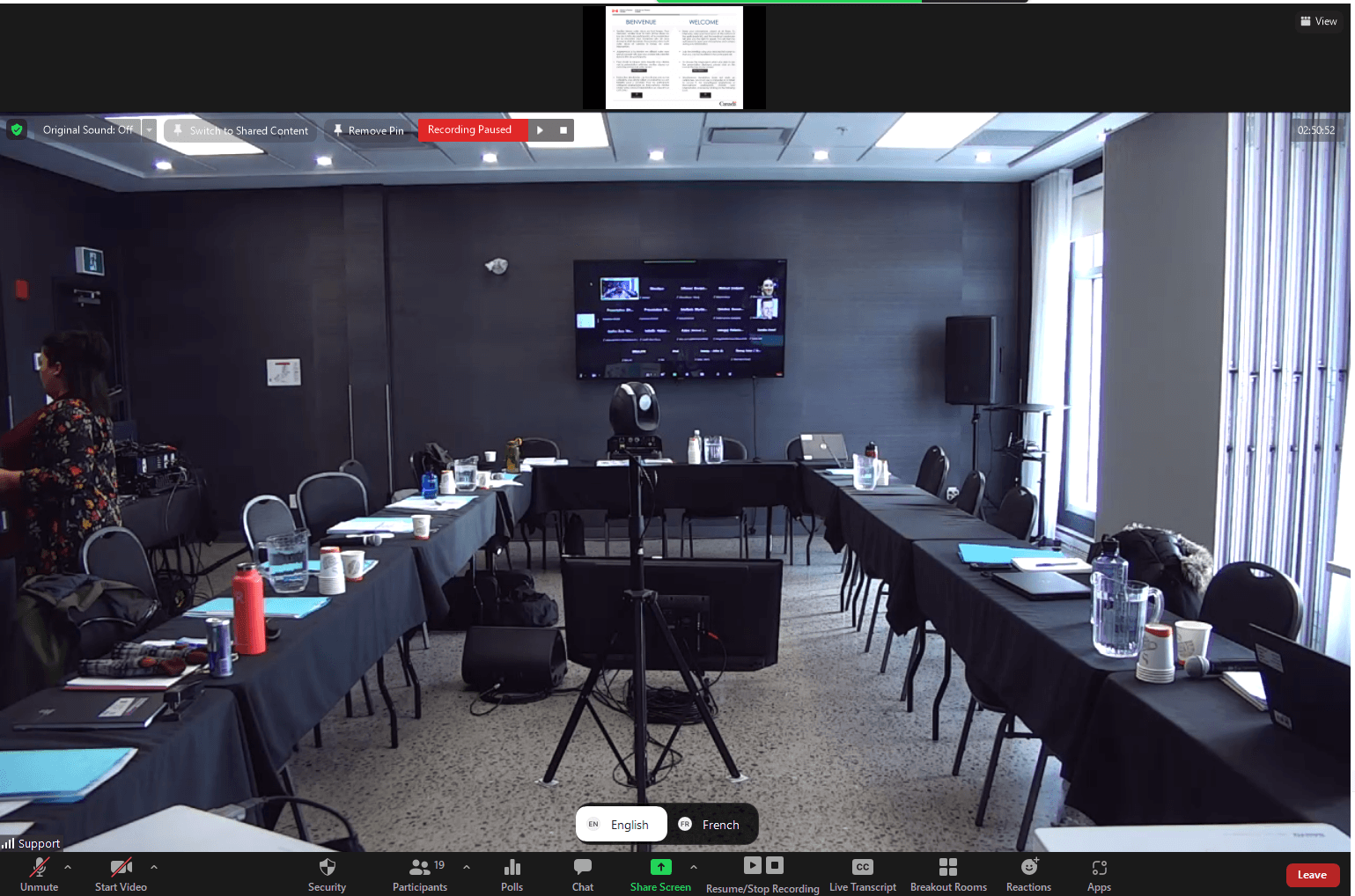
Audio and microphones
- Use accepted microphones for remote speakers
- Avoid phone or tablet audio for interpreted meetings
- Plan enough room microphones for all speakers
Sound checks and technician support
- Schedule a sound check before the meeting
- Keep a technician available during the live event
- Confirm the interpreter can communicate with the host and technician
Interpreter setup
- Confirm booth, studio, or remote interpreter environment
- Provide monitor visibility for speakers and visual context
- Confirm language channels and audio routing
Preparation materials
- Send agendas and presentations in advance
- Provide participant names, titles, and institutions
- Share terminology, acronyms, and speaking notes
Accessibility and language access
- Plan captioning when needed
- Make participant instructions available in both official languages
- Tell speakers how to switch languages and pause clearly
This checklist aligns with public guidance on virtual and hybrid interpreted meetings, bilingual meeting preparation, and accessible virtual events.
Practical readiness resources
Use these guides to brief speakers, choose the right platform setup, prepare AV teams, and decide when human interpretation is required.
How to prepare speakers for interpretation
A practical speaker-preparation checklist for bilingual and multilingual meetings with simultaneous interpretation.
Technical Readiness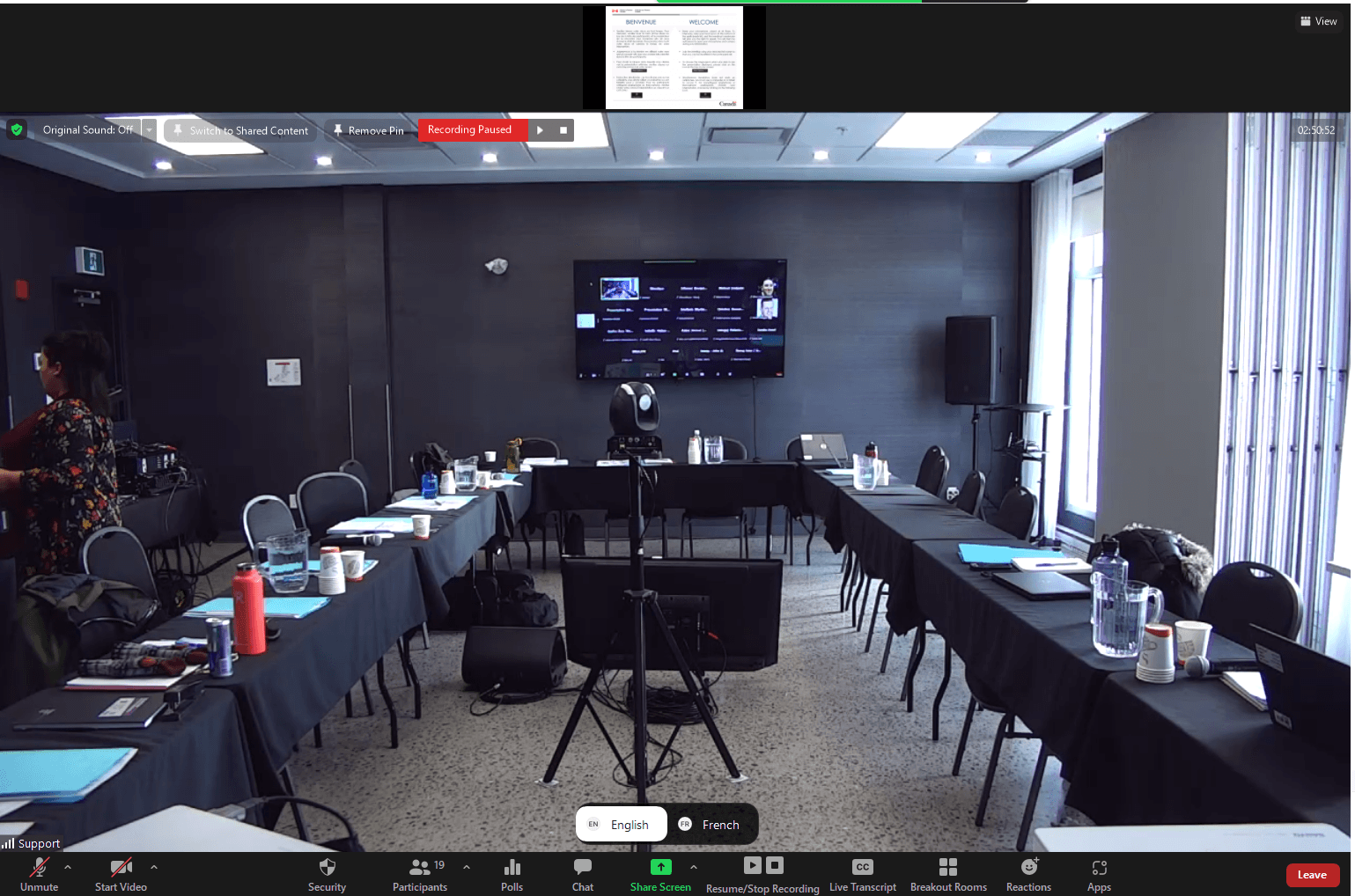
Zoom interpretation checklist
Checklist for Zoom meetings with simultaneous interpretation, language channels, sound checks, and remote speakers.
Technical ReadinessMicrosoft Teams interpretation checklist
Planning checklist for interpreted Microsoft Teams meetings and events with remote or hybrid participants.
Technical Readiness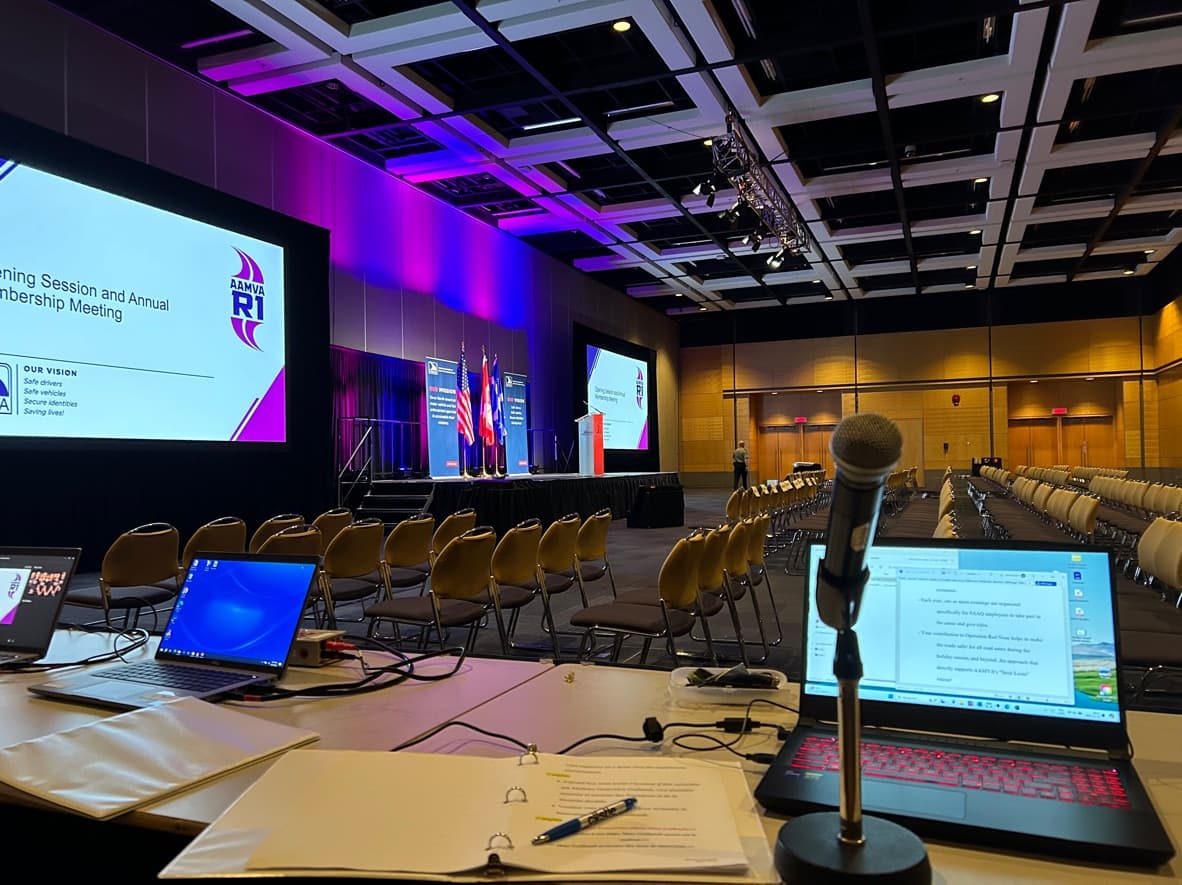
Hybrid meeting interpretation checklist
Checklist for hybrid meetings where in-room and remote participants need reliable interpretation.
Technical Readiness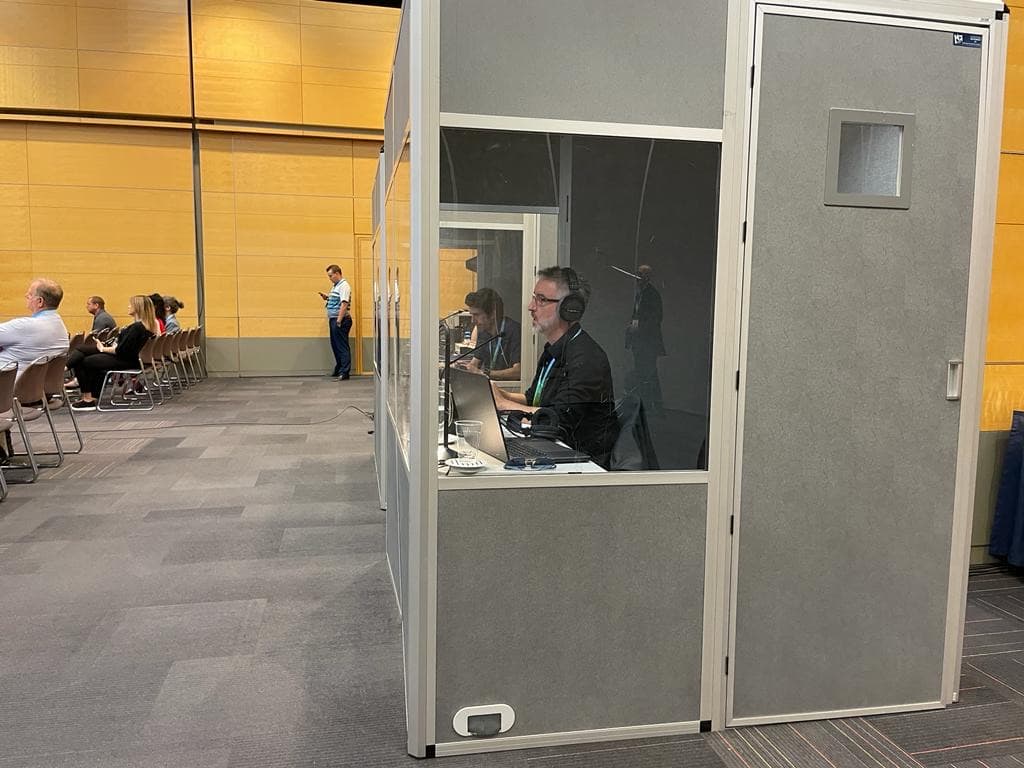
AV requirements for simultaneous interpretation
A plain-language guide to microphones, receivers, booths, audio feeds, and AV coordination for simultaneous interpretation.
Technical Readiness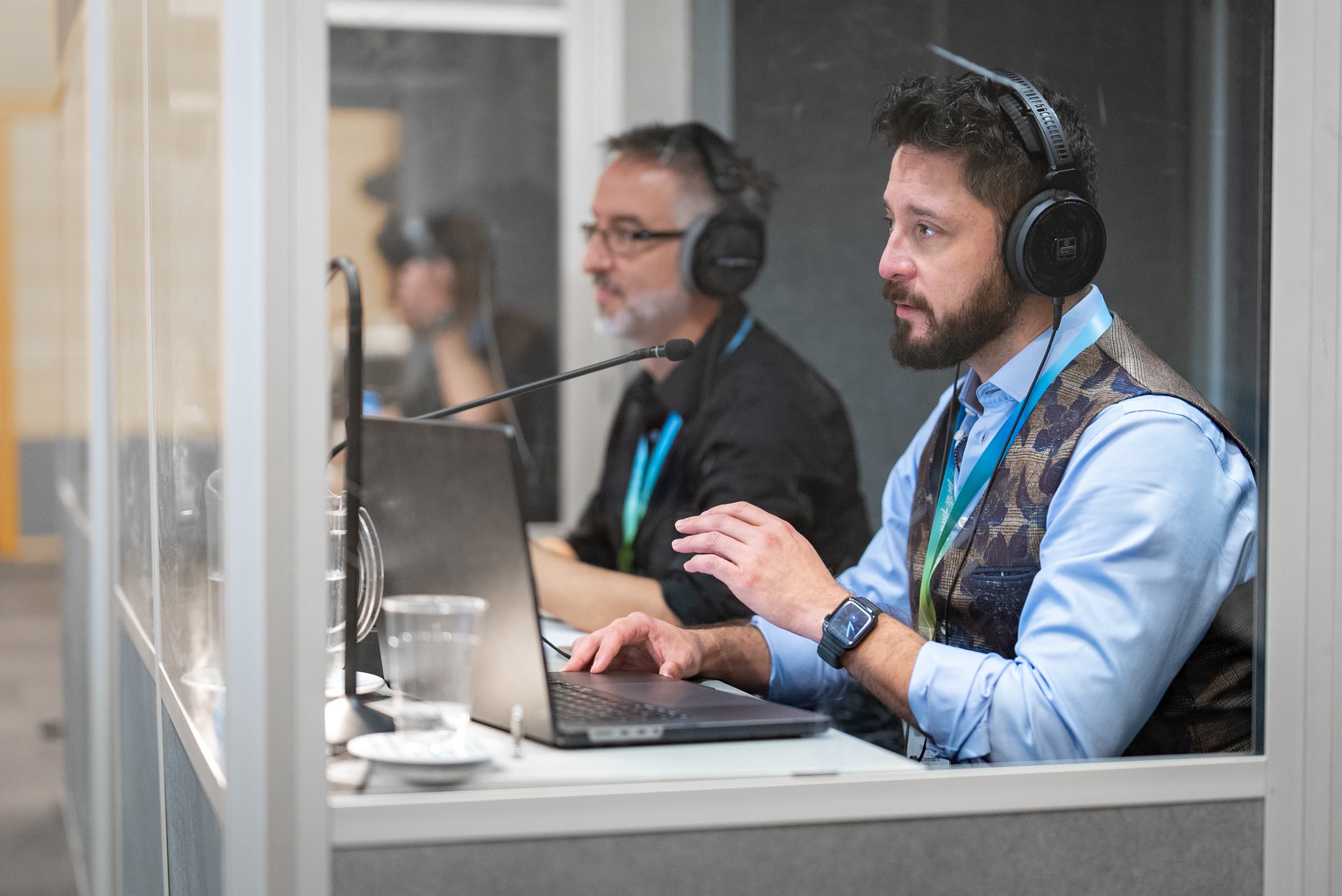
What documents to send interpreters before an event
A checklist of agendas, slides, terminology, names, and sensitive-context notes that help interpreters prepare.
Technical ReadinessHow many interpreters do you need for a conference?
Guidance on interpreter team size for simultaneous interpretation, long sessions, multiple languages, and complex formats.
Technical ReadinessHuman interpretation vs AI interpretation: how to choose
A human-first guide to choosing professional interpreters, captions, transcription, or AI-assisted language access.
Technical ReadinessMeeting setup question
No one available? Send a setup question.
Use this fallback for one practical question about format, microphones, platform, documents, or interpreter setup. We will route it through the same intake process.
Have a complex hybrid setup?
Share your platform, venue, AV team, language pairs, and speaker plan. We can help identify risks before the meeting.
Request a Quote