
Technical ReadinessDownload this guide
Zoom interpretation checklist
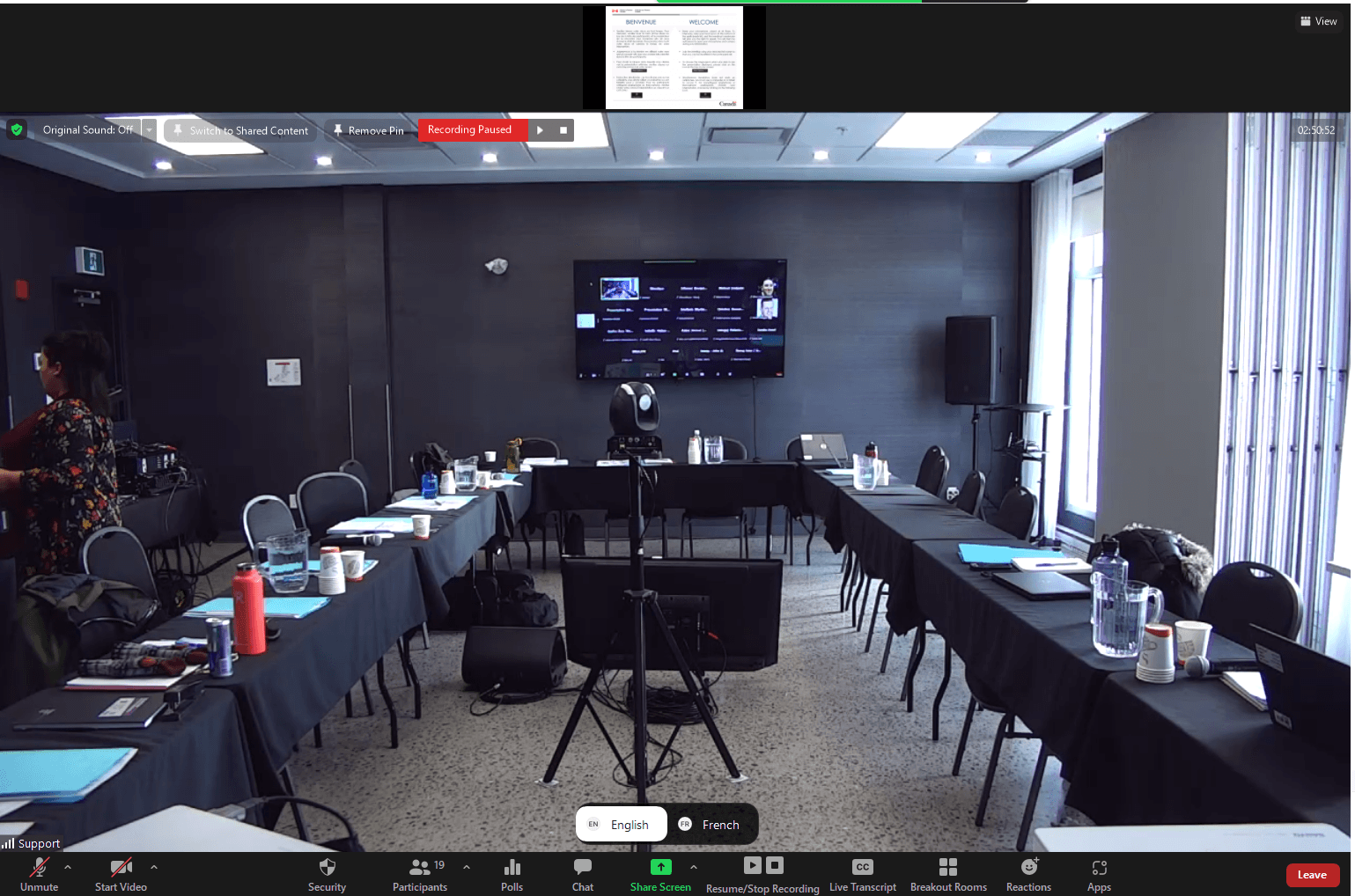
Zoom interpretation works best when language channels, host controls, interpreter access, speaker audio, and sound checks are configured before participants join.
On this page

Checklist
- Enable interpretation/language channels in the Zoom meeting settings.
- Assign interpreters and confirm they can access the correct channels.
- Run a sound check with speakers, interpreters, host, and technician.
- Prepare bilingual participant instructions for joining the right audio channel.
Common risks
- Interpretation not enabled before the meeting starts.
- Interpreters assigned after participants are already live.
- Remote speakers using poor microphones.
- Participants unsure whether to mute original audio.
What America Interpretation can handle
- Zoom interpretation workflow guidance.
- Interpreter coordination and rehearsal support.
- Technical-risk review before the event.
What organizers should prepare
- Provide host/co-host access as needed.
- Confirm meeting settings and invitation language.
- Share the final agenda and speaker list.
Related guides
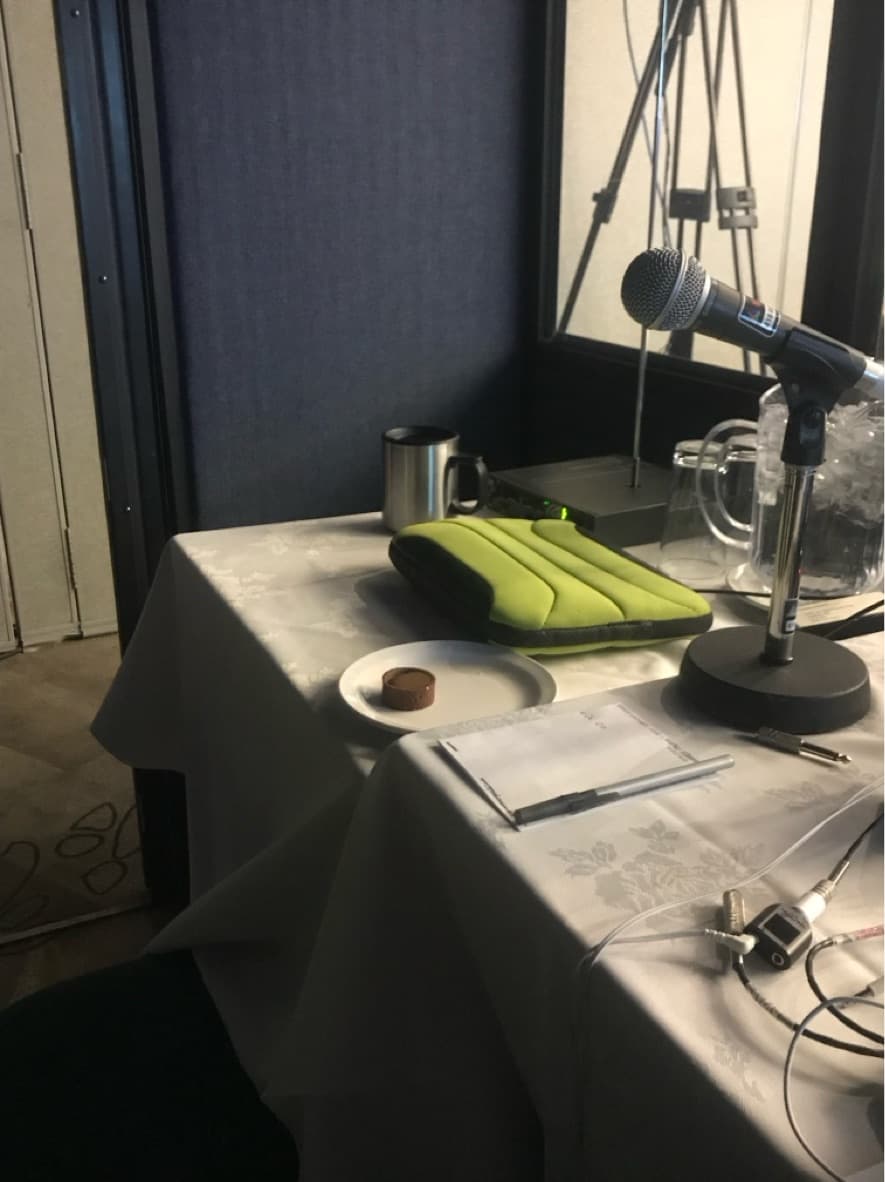
How to prepare speakers for interpretation
A practical speaker-preparation checklist for bilingual and multilingual meetings with simultaneous interpretation.
Microsoft Teams interpretation checklist
Planning checklist for interpreted Microsoft Teams meetings and events with remote or hybrid participants.
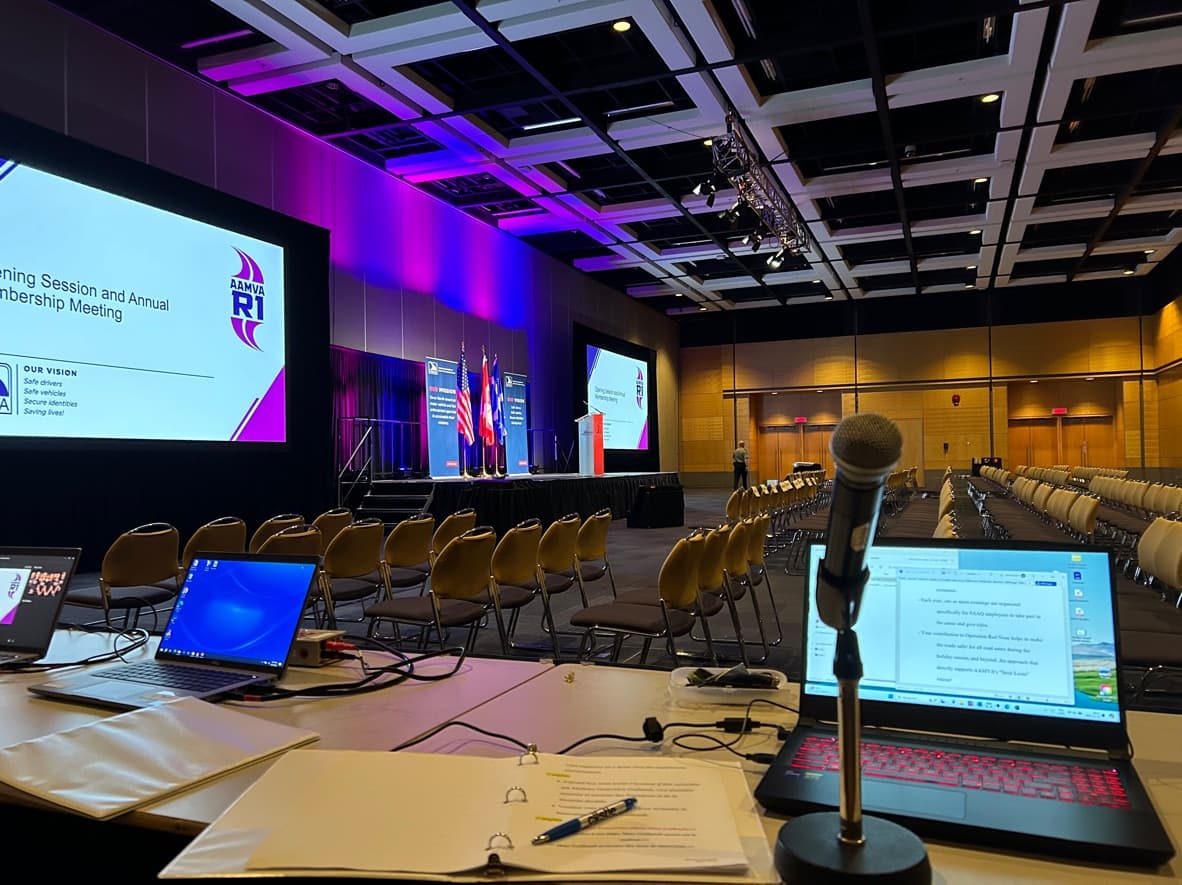
Hybrid meeting interpretation checklist
Checklist for hybrid meetings where in-room and remote participants need reliable interpretation.
Want to validate your setup?
Share the format, languages, platform, venue, and technical context. We can help identify risks before the meeting.
Request a Quote