
Technical ReadinessDownload this guide
Microsoft Teams interpretation checklist
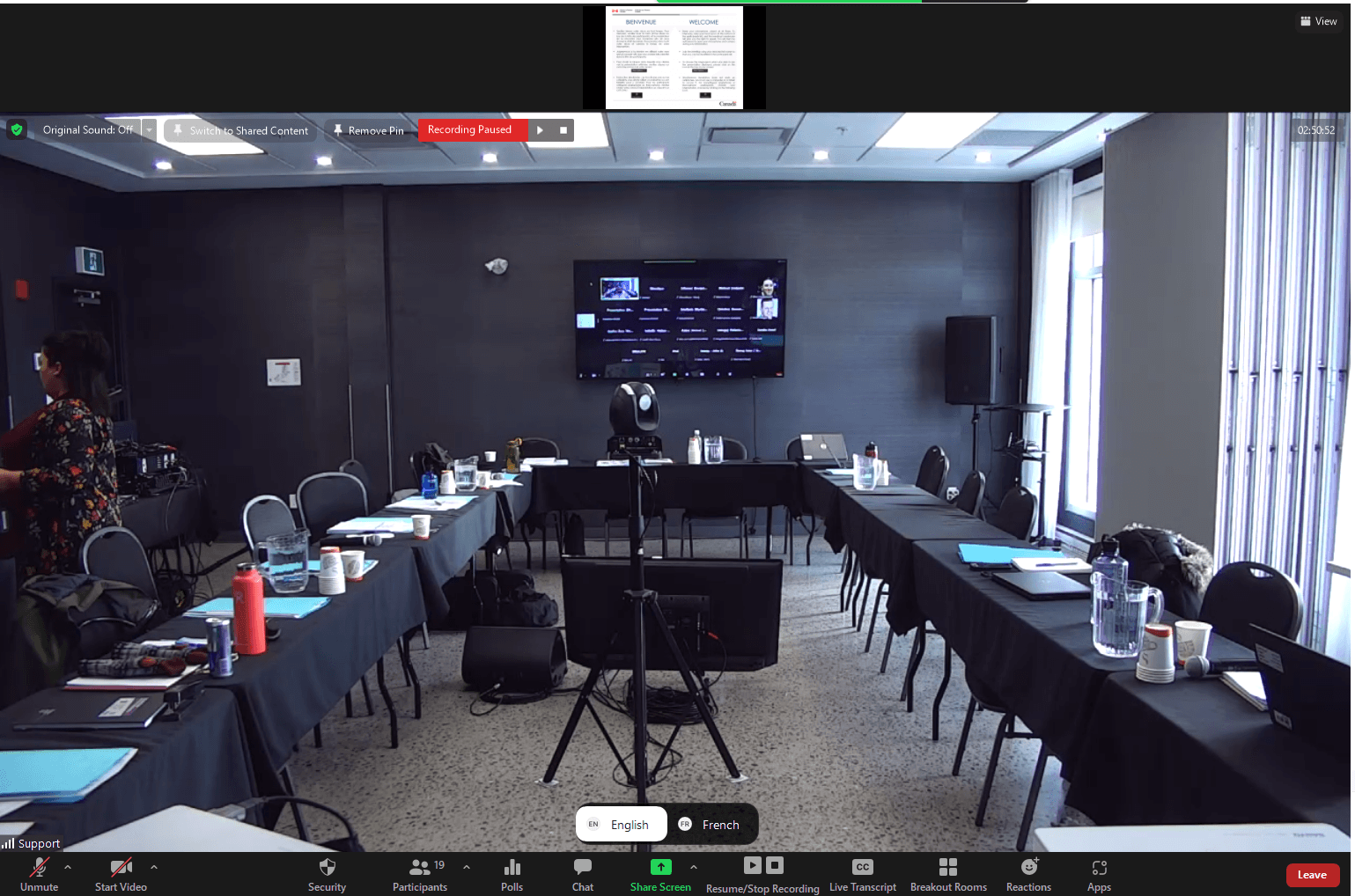
Teams interpretation requires early confirmation of meeting type, language-channel availability, roles, audio quality, and support responsibilities.
On this page

Checklist
- Confirm whether the meeting format supports the interpretation workflow needed.
- Assign roles for organizer, presenter, interpreter, and technical support.
- Test language access, audio routing, and participant instructions.
- Prepare a backup plan for speakers or interpreters who lose connection.
Common risks
- Using a Teams format that does not support the desired interpretation setup.
- Unclear presenter/organizer permissions.
- No technical contact available during the live meeting.
- Remote audio quality below interpreter-safe expectations.
What America Interpretation can handle
- Meeting-format review and interpretation workflow advice.
- Interpreter preparation and language-pair planning.
- Coordination with organizer and technical contacts.
What organizers should prepare
- Confirm the Teams license, event type, and permissions.
- Send bilingual attendee instructions.
- Identify a technical contact for the live event.
Related guides

How to prepare speakers for interpretation
A practical speaker-preparation checklist for bilingual and multilingual meetings with simultaneous interpretation.
Zoom interpretation checklist
Checklist for Zoom meetings with simultaneous interpretation, language channels, sound checks, and remote speakers.
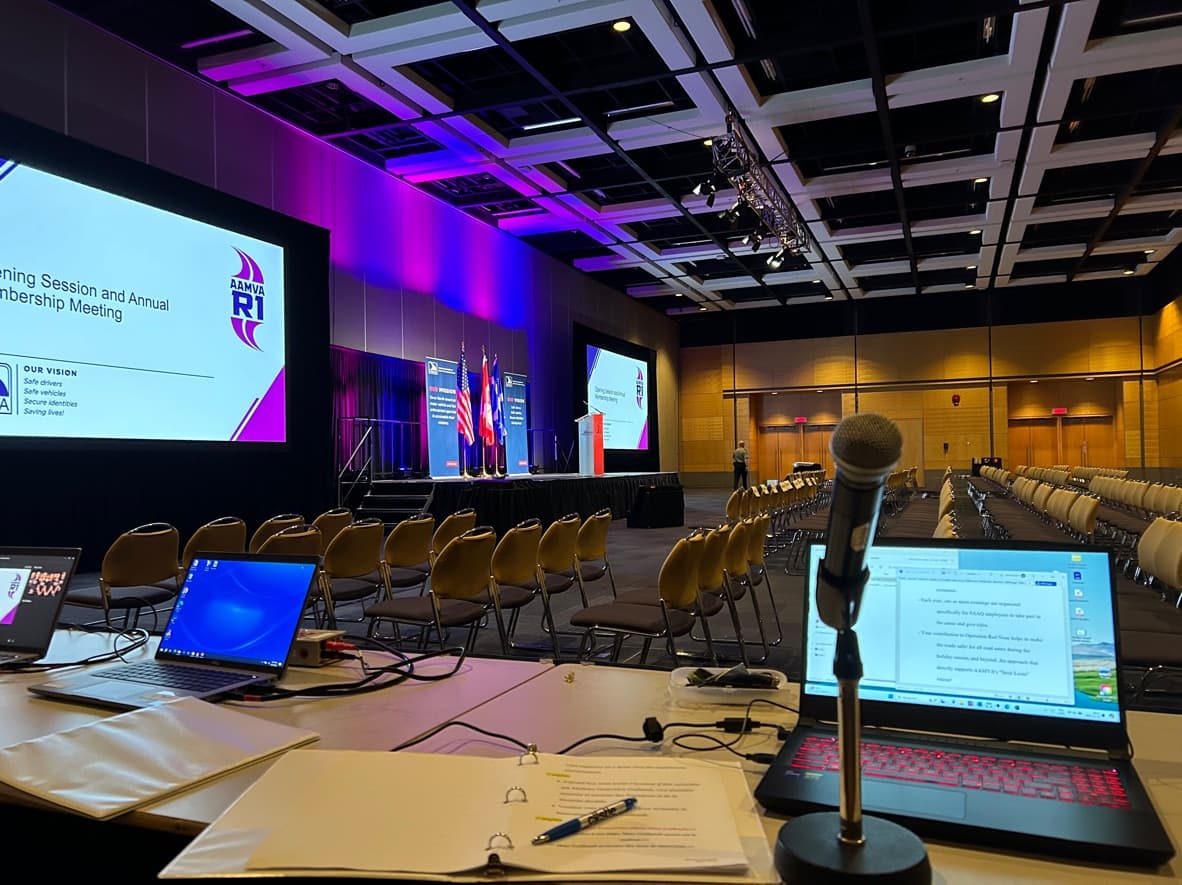
Hybrid meeting interpretation checklist
Checklist for hybrid meetings where in-room and remote participants need reliable interpretation.
Want to validate your setup?
Share the format, languages, platform, venue, and technical context. We can help identify risks before the meeting.
Request a Quote