
All guidesDownload PDF
Listen with SIMO
Use these steps when your organizer provides a SIMO listener link. The languages, captions and interpreted audio available depend on the event settings.
On this page

Checklist
- Open the listener link provided by the meeting organizer.
- Choose the language you want to follow.
- If the event offers audio, connect your headphones and start listening.
Common risks
- If no language or captions appear, ask the host whether the session has started.
- If you hear two audio feeds, check which device is playing the meeting audio.
What America Interpretation can handle
- Help the organizer choose the appropriate language access option.
- Agree on a test with the organizer before sharing the instructions.
What organizers should prepare
- Share the event-specific listener link and the languages offered.
- Provide a support contact and tell participants whether to expect captions, audio or both.
Related guides
How to prepare speakers for interpretation
A practical speaker-preparation checklist for bilingual and multilingual meetings with simultaneous interpretation.
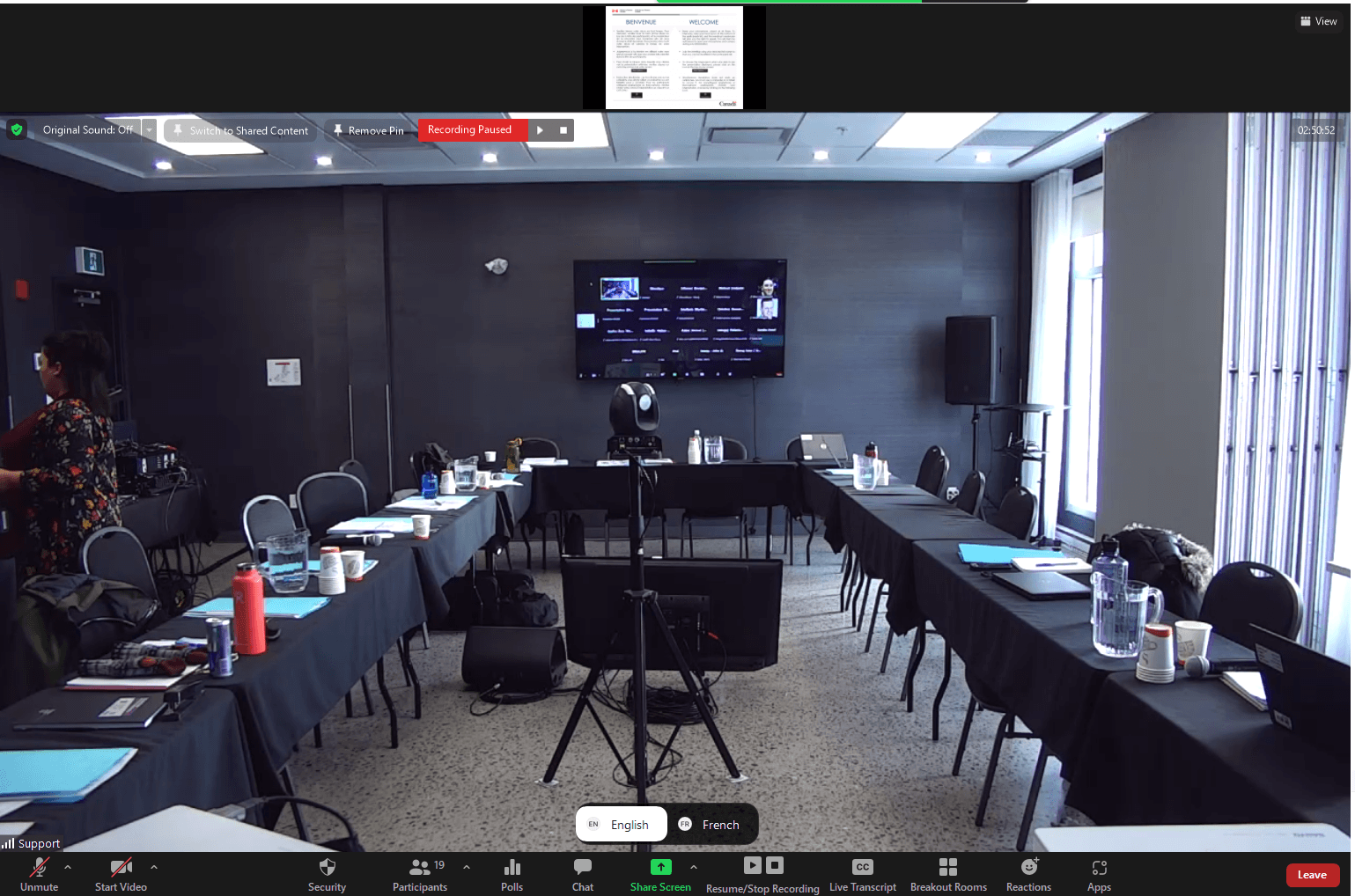
Zoom interpretation checklist
Checklist for Zoom meetings with simultaneous interpretation, language channels, sound checks, and remote speakers.
Microsoft Teams interpretation checklist
Planning checklist for interpreted Microsoft Teams meetings and events with remote or hybrid participants.
Want to validate your setup?
Share the format, languages, platform, venue, and technical context. We can help identify risks before the meeting.
Request a Quote